u/Fireinthehole_x
-
1points
-
9points
-
1points

Fireinthehole_x
Fireinthehole_x
FIXED:i found out this is already solved: when pressing CTRL + I there is an entry "keep website data on closure" (2nd from below) and when you untick it this adds the website to the list. so this option now does what "allow cookies" was in the pastproblem is thhus solved and former behavior still functional. firefox is a great browser!
https://www.reddit.com/r/firefox/comments/1xg3euk/when_pressing_ctrl_i_on_a_website_you_could/
Fireinthehole_x
got a nice reply in https://www.reddit.com/r/firefox/comments/1xg3euk/comment/19rp2e4ds1vab/
so what i will do for now as a workaround is keep open a sencond firefox window with about:preferences#history and the list open so i can add sites without going into that menu every time until this is fixed and there is an easy option via CTRL + I as it has been before
Fireinthehole_x
thanks for your comment, it gave me some insight; so what i will do for now as a workaround is keep open a sencond firefox window with about:preferences#history and the list open so i can add sites without going into that menu every time until this is fixed and there is an easy option via CTRL + I as it has been before
Fireinthehole_x
is there a simple way to add exceptions like with CTRL I and choose what you want instead of always going through all menus and then manuall enter the website in the new list? thats a horrible userexperience!
Fireinthehole_x
adblocking with ublock origin
about:config settings for everything to customize the browser
addons for everything
open source
Fireinthehole_x
When pressing CTRL + I you could choose "keep cookies" previously, this no longer works
>Firefox now has two different exception list
>These were usually synchronized, when you add domain in #privacy, it's written in #history. With Firefox 157, that's not the case anymore.
i really hope this gets fixed soon!
Fireinthehole_x
i wish!
sadly many "modern" games do NOT have an option to disable TAA (forced TAA is what they have!)
God of war 2018, God of war ragnarok, modern warfare 4 now, anno 117... for GOW i found a MOD that disables TAA, for doom the dark ages there is a console command (but no setting in options) for the other games i know no solution at all :-(
Fireinthehole_x
Great game! is this related to https://github.com/djultra64/Power-Dozer aside from being the same game or is it an independent project?
Fireinthehole_x
just took a look for you
had no problems when giving it a try. i have raytracing always disabled as i dont like it, same with shadow effects, depth of field effects and all the stuff that makes the picture blurry / unclear. rx 9070 here - no "pathtracing" available (would not use it if it were available)
35 no FG, RT
61 FG ,RT
43 no FG, no RT
67 FG, no RT
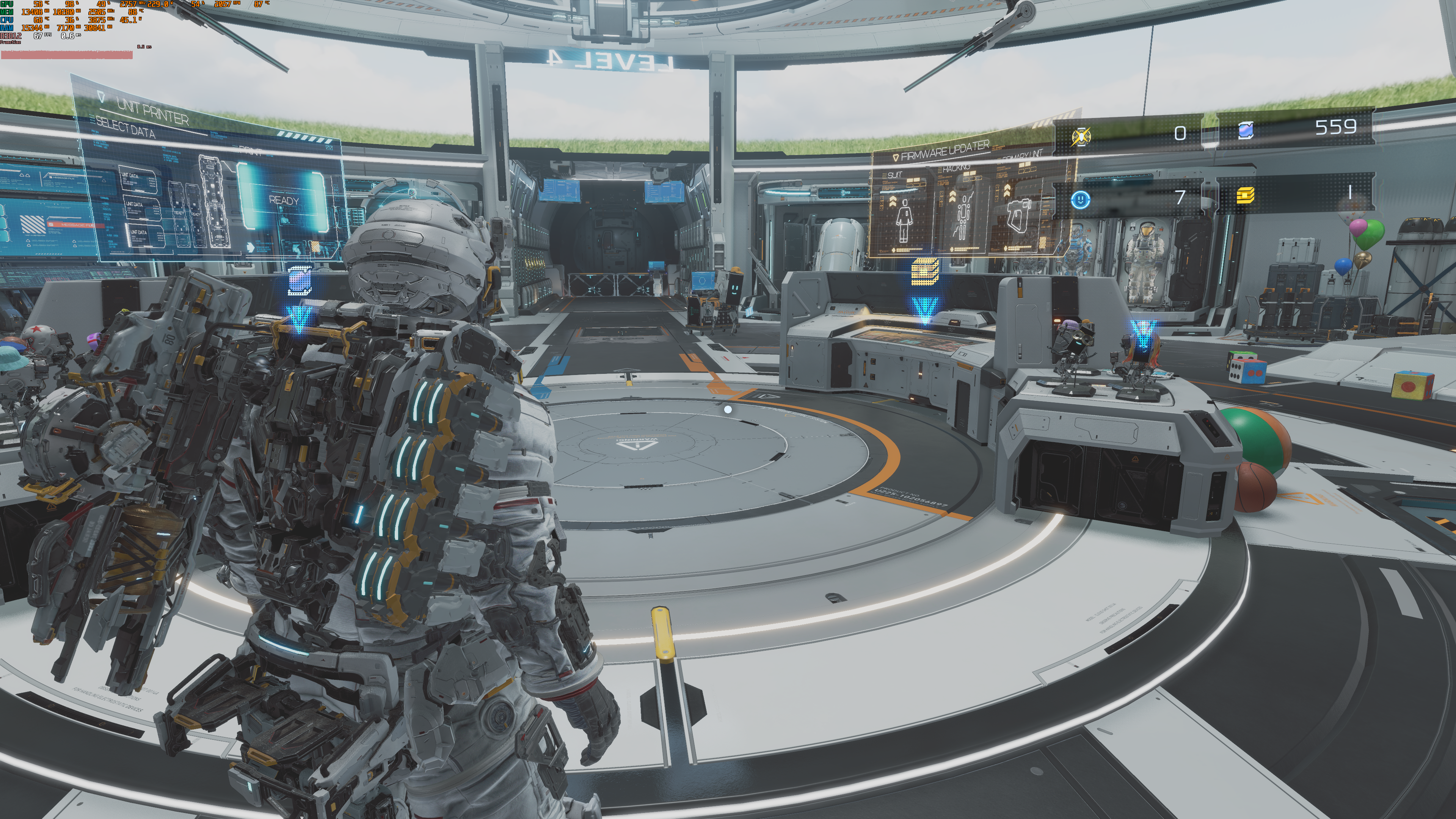
actually playing now after i grazed my eyes for some time: i like 1920x1080 (gives sharp visual edges with integer scaling enabled), at 30FPS + framegen for 60, this makes the graphicscard run cool at ~ 70W instead of ~220W
Fireinthehole_x
based purist!
Fireinthehole_x
based claritymaxxer
Fireinthehole_x
i use NO AA and i am not bothered by aliasing at all. for "advertisement" of games i take screenshots at 200% rendering
>Do people here really prefer playing like this?
over a blurry vaseline smear? every day!
but you can also just render at 200% like resident evil games & Pragmata offer it natively. 200%, no AA, best image quality, perfect sharp, NO loss of detail
RE-engine games did the best: just providing an option so ALL players are satisfied
Fireinthehole_x
if i could have an option to turn off TAA that would be preferable to having FSR!
you can always select a lower INTEGER resolution and enable full integer scaling in graphics Card settings, giving you a perfect sharp image at lower workload
Fireinthehole_x
it would be impressive if they would add an option to disable TAA via adrenaline-driver-control and add an option to disable TAA in their FSR
for NVIDIA its somehow possible already it seems https://github.com/FR33THYFR33THY/Disable-Anti-Aliasing
Fireinthehole_x
and the command is
r_antialiasing 0
Fireinthehole_x
i wont pay for any game with forced vaseline-smear-blur, thats for sure ;-)
Fireinthehole_x
>a sharp yet SUPER grainy frame
yeah many woud prefer that, me included. adding an OPTION to select that would make everyman happy
or even better just bring back proper programming, it has been possible before aswell!
Fireinthehole_x
came here to ask the same question...
imagine the fecal storm if it were the other way around!
Fireinthehole_x
thanks for telling me!
Fireinthehole_x
>Its most certainly a required setting to have turned on if you want the game to be not blurry
again, putting one artificial filter over another does not icrease sharpness, it ruin sthe image even further
of course i have looked into it, makes the image blurry AND ruis it further by an unwanted effect that distorts the actual graphics even further
Fireinthehole_x
artificial sharpness filter is not a solution to a blurry image, it makes things even worse.
>required in some newer games
its not "required" at all, developers are just not adding an option to disable it which is a horrible decision.
sometimes there are mods which restore a proper image. if someone would know such a mod it would be great!
FIXED:i found out this is already solved: when pressing CTRL + I there is an entry "keep website data on closure" (2nd from below) and when you untick it this adds the website to the list. so this option now does what "allow cookies" was in the pastproblem is thhus solved and former behavior still functional. firefox is a great browser!